Finding Clarity: A Simple Way to Tidy Up Your Power BI Model
A guide on using a simple Tabular Editor script to disable default summarization, encouraging best practices for cleaner, more maintainable Power BI models.
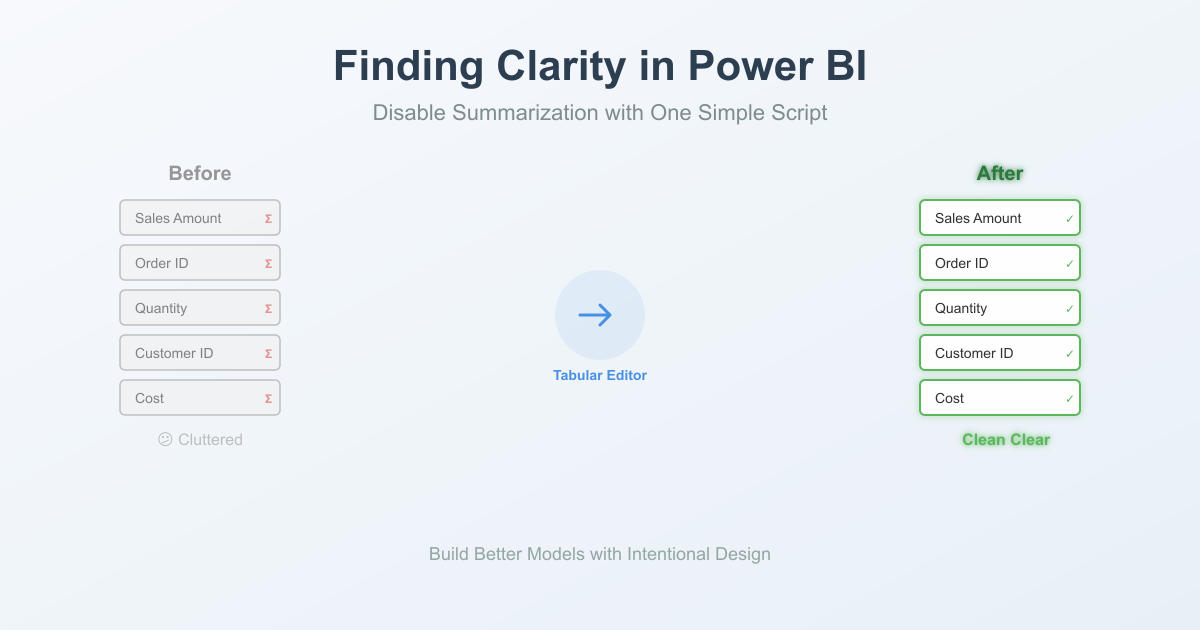
If you've spent some time in Power BI, you might have noticed how it automatically summarizes number columns. While well-intentioned and sometimes helpful, in my experience, I've found it best to turn these off and instead, create measures for any summarizations I need. I could go into the reasoning behind why I recommend this approach, but I'll leave that for another blog post. But here's the problem. If you have a lot of columns that have summarization on, it will take time to go down the line, disabling summarization for each one. Thanksfully, there's a way to turn off summarization for all of them in one swipe using Tabular Editor (which you can download here) and a simple script.
A Script for Instant Clarity
This simple C# script works within Tabular Editor to review columns in your model and set them to "Don't Summarize," all in one go.
// Find all columns with summarization enabled and set to "Don't Summarize"
var columnsWithSummarization = Model.AllColumns
    .Where(c => c.SummarizeBy != AggregateFunction.None)
    .ToList();

// Set all to "Don't Summarize" - NO output inside the loop
foreach(var column in columnsWithSummarization)
{
    column.SummarizeBy = AggregateFunction.None;
}

// Single pop-up at the end with summary
Info("Complete! Changed Columns with Summarization to 'Don't Summarize'.");
How to Use This Script:
- Have your PBIX file open.
- Open Tabular Editor and connect to your file.
- Navigate to the "Advanced Scripting" pane.
- Paste the script above and Run it.
- Most importantly: Remember to click File > Save in Tabular Editor to bring these changes back into your Power BI model.
Why This Matters (The Deeper Benefit)
Taking this small step encourages a more intentional approach to your data modeling. By turning off the defaults, we are forced to create the measures we need, which is best practice anyway. This not only makes our calculations more accurate and reliable but also makes the entire model easier for others (and our future selves!) to understand and maintain. It's about building a foundation of clarity.
If you're exploring ways to bring even more clarity and efficiency to your data, feel free to schedule a discovery call – I'd love to help.